TL;DR
The Short Answer
There is no single best AI agent framework. There is a best one for your language, your model provider, and how much control flow you need. Here is the 30-second version:
- Python, want types and testability: PydanticAI.
- Python, complex stateful workflow with approvals and retries: LangGraph.
- Python or JS, standard tool-calling agent with lots of integrations: LangChain (
create_agent). - Role-based "team of agents" automations: CrewAI.
- You're on OpenAI and want handoffs, guardrails and voice: OpenAI Agents SDK.
- You're on Gemini / Google Cloud, or you write Java or Go: Google ADK.
- Your agent has to work on files, code and a shell: Claude Agent SDK.
- Your app is TypeScript / Next.js: Mastra.
Every framework below is open source or source-available, supports tool calling, and is actively maintained (every repo had commits in the week we checked). The differences are in abstraction level: how much of the agent loop you write yourself versus how much the framework decides for you.
| Language | Abstraction | Best for | License | |
|---|---|---|---|---|
| LangGraph | Python, JS/TS | Low-level: graph of nodes and edges, typed state, checkpoints, interrupts | Long-running, stateful workflows with branches and human approval | MIT |
| LangChain | Python, JS/TS | High-level: create_agent loop plus middleware and integrations | Standard tool-calling agents that need many integrations | MIT |
| PydanticAI | Python | Mid-level: typed agent loop, validated output, dependency injection | Type-safe Python agents, structured output, testable code | MIT |
| CrewAI | Python | High-level: role-based Crews plus event-driven Flows | Teams of collaborating agents, business process automation | MIT |
| OpenAI Agents SDK | Python, JS/TS | Lightweight: agents, handoffs, guardrails, sessions, tracing | Multi-agent handoffs, voice and realtime agents | MIT |
| Google ADK | Python, TypeScript, Java, Go, Kotlin | Agents plus a graph-based Workflow runtime | Gemini and Google Cloud teams, multi-language organizations | Apache-2.0 |
| Claude Agent SDK | Python, TypeScript | Full harness: Claude Code as a library (built-in tools, permissions, sessions, hooks) | Agents that read, edit and run code or files | Anthropic Commercial Terms (Python repo code: MIT) |
| Mastra | TypeScript | Agents plus graph workflows (.then / .branch / .parallel), memory, evals | Agents inside React, Next.js or Node apps | Apache-2.0 core; ee/ folders under Mastra Enterprise License |
How to Choose: Four Questions
Most "best AI agent frameworks" listicles rank by popularity. That's the wrong axis. Ask these four questions instead, in order:
1. What language is your product in? This removes half the list. Mastra is TypeScript-only. PydanticAI and CrewAI are Python-only. LangChain, LangGraph, the OpenAI Agents SDK and the Claude Agent SDK ship Python and TypeScript versions. Google ADK has the widest spread: Python, TypeScript, Java, Go and Kotlin.
2. Are you locked to a model provider? Vendor SDKs are tuned for their own models. The OpenAI Agents SDK says it is provider-agnostic (Responses and Chat Completions APIs plus 100+ other LLMs). ADK is "optimized for Gemini" but model-agnostic. The Claude Agent SDK runs the Claude Code agent, so it's built around Claude. If you want to switch providers by changing a string, PydanticAI, LangChain and Mastra are designed for exactly that.
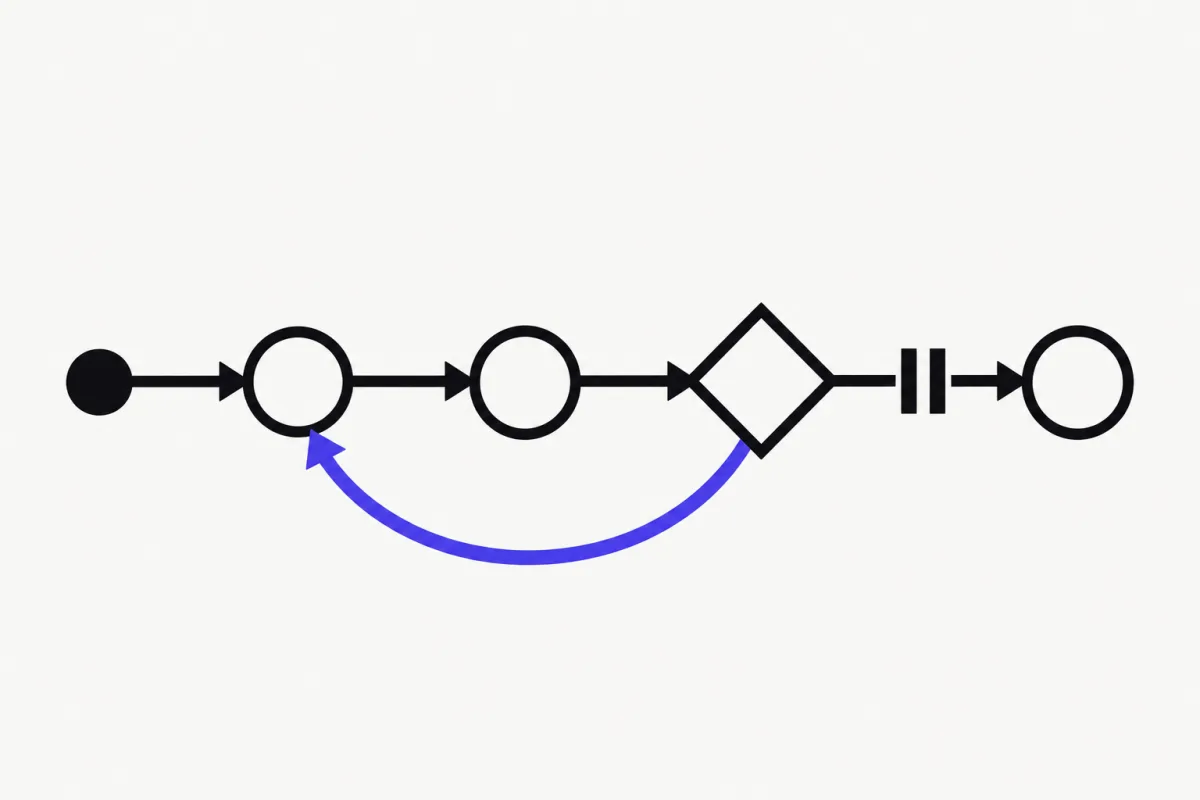
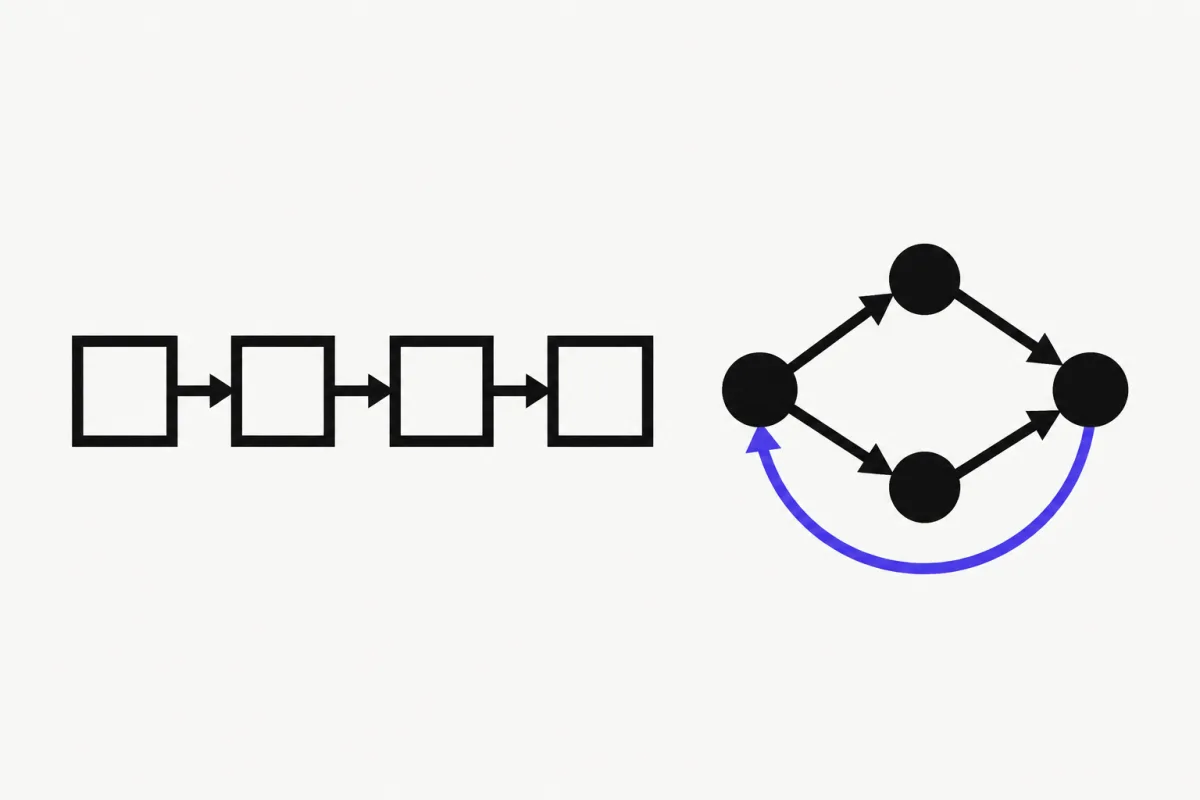
3. Is your control flow a loop or a graph? A plain agent (model → tools → model until done) covers chatbots, RAG assistants and most internal tools. If you need fixed steps mixed with LLM decisions, parallel branches, or a human approval in the middle, you want an explicit graph: LangGraph, ADK's Workflow, Mastra workflows, CrewAI Flows, or pydantic-graph.
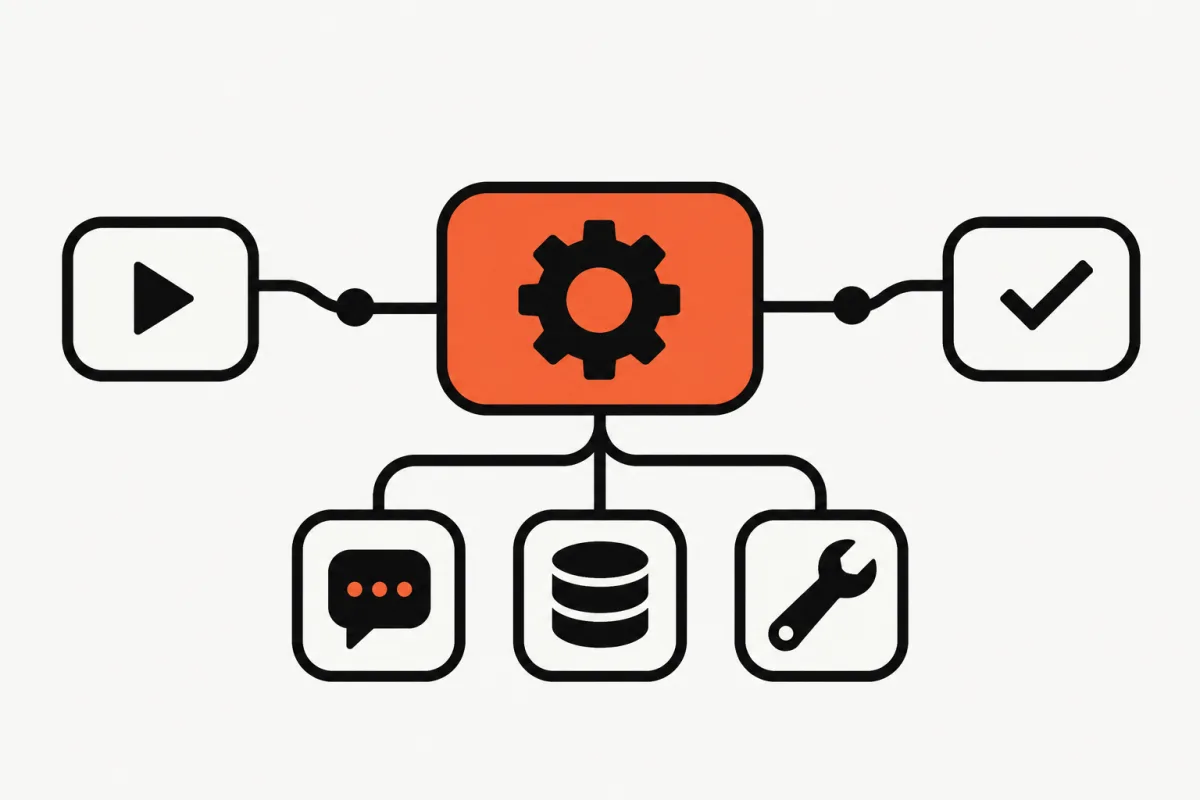
4. Do you need a harness or a library? A library gives you an agent loop and lets you bring tools. A harness comes with tools already built in: file editing, shell, planning, subagents, context management. The Claude Agent SDK is a harness. LangChain's Deep Agents and Pydantic AI Harness add harness-style capabilities on top of their libraries. Pick a harness when your agent does long, open-ended work; pick a library when you want every tool to be one you wrote.
LangGraph and LangChain
Same team, two layers. LangGraph describes itself as a "low-level orchestration framework for building, managing, and deploying long-running, stateful agents". Its selling points are durable execution (resume after failures), human-in-the-loop at any point, and short- plus long-term memory. LangChain sits on top: create_agent gives you a ready-made agent loop and middleware for retries, summarization, PII redaction and tool approval. Both are MIT, both have Python and JS/TS versions.
Pick LangGraph if your workflow is a process, not a conversation: "validate → plan → wait for approval → execute → retry on failure". Pick LangChain if you want a standard agent fast and value the large integration catalog.
We compared them line by line, with the same agent written in both, in LangChain vs LangGraph. If you're deciding between LangChain and a lighter Python option, see PydanticAI vs LangChain.
PydanticAI
PydanticAI comes from the team behind Pydantic, and it shows: the README calls it "a typed, extensible agent loop with every model a string swap away". You give the agent an output_type (a Pydantic model), and every run returns validated, typed data. Tools are plain functions; their signature and docstring become the tool schema, and arguments are validated before your code runs. Dependencies are injected through RunContext, which makes agents easy to unit-test.
Around the core library there's an ecosystem: Pydantic AI Harness (memory, guardrails, subagents, planning, a full coding agent as "capabilities"), Pydantic Evals for grading outputs and tool-call trajectories, Pydantic Graph for typed control flow, and Logfire for tracing via OpenTelemetry. It also works as an MCP client, so any MCP server's tools plug straight in (see how to build an MCP server).
Pick PydanticAI if you write Python, care about type safety and tests, and want to switch models without rewriting code. This is the framework we teach in our free 8-lesson PydanticAI course, from your first agent to testing and evals and production deployment.
This example is taken from the PydanticAI README (uv add pydantic-ai, Python 3.11+):
from typing import Literal

from pydantic import BaseModel, Field

from pydantic_ai import Agent, RunContext


class Sentiment(BaseModel):
    label: Literal['positive', 'negative', 'neutral']
    score: float = Field(ge=-1, le=1)


agent = Agent('openai:gpt-6.1-sol', output_type=Sentiment)


@agent.tool
def recent_reviews(ctx: RunContext, product: str) -> list[str]:
    """Fetch recent review snippets for a product."""
    return ['The new release fixed everything I complained about!']


result = agent.run_sync('How are people feeling about the Extract app?')
print(result.output)
#> label='positive' score=0.9
CrewAI
CrewAI is a Python framework (Python 3.10 to 3.13 per its README) with two complementary pieces. Crews are teams of role-based agents, each with a role, goal and backstory, that delegate and collaborate autonomously. Flows are event-driven workflows with explicit state and conditional branching, for when you need precise control. The usual pattern is a Flow that orchestrates one or more Crews.
The open-source framework is MIT. CrewAI also sells CrewAI AMP, a commercial control plane for deployment, observability and governance, so check what you actually need before signing up for anything.
Pick CrewAI if your problem maps naturally to "a researcher, a writer and a reviewer working together", and you prefer configuring roles over drawing graphs. If you're weighing it against an explicit graph, read LangGraph vs CrewAI.
OpenAI Agents SDK
OpenAI's SDK calls itself "a lightweight yet powerful framework for building multi-agent workflows". The core concepts are few: agents (instructions + tools + guardrails + handoffs), handoffs and agents-as-tools for delegation, guardrails for input/output validation, sessions for conversation history, built-in tracing, human-in-the-loop, plus realtime and voice agents and sandbox agents that work inside a container. Python (3.10+) and JS/TS versions exist, both MIT.
Pick it if you're already on OpenAI models, want multi-agent handoffs without designing a graph, or are building voice agents. Install with pip install openai-agents and set OPENAI_API_KEY. The README's hello world:
from agents import Agent, Runner

agent = Agent(name="Assistant", instructions="You are a helpful assistant")

result = Runner.run_sync(agent, "Write a haiku about recursion in programming.")
print(result.final_output)
Google Agent Development Kit (ADK)
ADK (now at 2.0 on its Python README) is "an open-source, code-first Python framework for building, evaluating, and deploying sophisticated AI agents". Two main classes: Agent (instructions, tools, behavior) and Workflow (a graph-based runtime with routing, fan-out/fan-in, loops, retries, state and human-in-the-loop). It ships a local dev UI (adk web), a CLI (adk run), MCP tool support, a tool-confirmation flow, and deployment paths to Cloud Run and Vertex AI Agent Engine. It's Apache-2.0 and available in Python (3.11+), TypeScript, Java, Go and Kotlin.
Pick ADK if you build on Gemini or Google Cloud, or your backend is Java or Go and you don't want a Python sidecar. Install with pip install google-adk. The README's minimal agent:
from google.adk import Agent

root_agent = Agent(
    name="greeting_agent",
    model="gemini-3.5-flash",
    instruction="You are a helpful assistant. Greet the user warmly.",
)
Claude Agent SDK
The Claude Agent SDK is a different kind of thing. Anthropic's docs describe it as "Claude Code as a library": the same tools, agent loop and context management that power Claude Code, programmable in Python and TypeScript. Out of the box your agent can read, write and edit files, run commands and search the web, with permissions, hooks, subagents, sessions, MCP, skills and plugins. Custom tools are defined as in-process MCP servers.
Licensing is worth reading: the Python repository's code is MIT, but use of the SDK is governed by Anthropic's Commercial Terms of Service. Anthropic also doesn't allow third-party products built on it to offer claude.ai login unless approved; you authenticate with an API key.
Pick it if your agent's job is to work on a codebase or file system (fix bugs, refactor, generate reports from files) and you'd rather inherit a battle-tested harness than build one. Install with pip install claude-agent-sdk (Python 3.10+; the Claude Code CLI is bundled) or npm install @anthropic-ai/claude-agent-sdk. The README's quick start:
import anyio
from claude_agent_sdk import query

async def main():
    async for message in query(prompt="What is 2 + 2?"):
        print(message)

anyio.run(main)
Mastra (TypeScript)
Mastra is "a framework for building AI-powered applications and agents with a modern TypeScript stack". It bundles agents, model routing across 40+ providers, graph-based workflows with .then(), .branch() and .parallel(), suspend/resume for human-in-the-loop, conversation history and RAG, evals, observability, and the ability to author MCP servers. It plugs into React, Next.js and Node, or runs as a standalone server, with a local Studio UI for testing agents.
License: Apache-2.0 for the core, but code in any ee/ directory is under the Mastra Enterprise License and needs a license for production use. Fine for most projects, just know which features you're using.
Pick Mastra if your product is TypeScript end to end and you don't want a Python service just for agents. Start with npm create mastra@latest.
Also Worth Knowing: LlamaIndex and smolagents
LlamaIndex (MIT) is still an open-source framework for building agentic applications, with 300+ integration packages. But its README is upfront that the company's primary focus has shifted to document parsing and extraction (LlamaParse). It remains a strong choice when your agent is mostly about ingesting and querying documents; for general-purpose agents, the frameworks above are where the momentum is.
smolagents (Apache-2.0, from Hugging Face) is deliberately tiny: the agent logic fits in about 1,000 lines. Its signature feature is the CodeAgent, which writes its actions as Python code instead of JSON tool calls, with sandboxed execution via E2B, Modal, Blaxel or Docker. It's model-agnostic and can load tools from MCP servers, LangChain or the Hugging Face Hub. Good for experiments and for understanding how agents work under the hood.
The Common Layer: MCP
Whichever framework you pick, tools are increasingly shared through the Model Context Protocol (MCP). PydanticAI, the OpenAI Agents SDK, Google ADK, the Claude Agent SDK, Mastra and smolagents all document MCP support. That changes the decision: if you put your integrations (database access, internal APIs, search) behind an MCP server, you can switch frameworks later without rewriting tools.
That's the most future-proof move you can make today. Our step-by-step guide shows how to build an MCP server in Python and use it from Claude Code and a PydanticAI agent.
Our Recommendation
If you're a Python developer starting today: learn the agent loop with PydanticAI, then reach for LangGraph when a workflow outgrows a single loop. The concepts (tools, structured output, memory, evals, deployment) transfer to every framework on this page, and PydanticAI's typing makes mistakes show up in your editor instead of in production.
If you're in TypeScript, start with Mastra. If you're committed to one model vendor, their SDK is a reasonable default, but put your tools behind MCP so the decision stays reversible.
Ready to build? Our free PydanticAI course takes you from a first agent to tools, memory, multi-agent workflows and a production deployment with FastAPI, Redis and Docker, in eight lessons.
FAQ
- What is the best AI agent framework in 2026?
- It depends on your stack. For Python with type safety, PydanticAI. For complex stateful workflows, LangGraph. For TypeScript apps, Mastra. For agents that work on code and files, the Claude Agent SDK. For Gemini or Java and Go backends, Google ADK. Choose by language, model provider and how much control flow you need.
- Which AI agent framework is best for beginners?
- PydanticAI or the OpenAI Agents SDK. Both let you build a working agent with tools in a few lines of Python, and their concepts transfer to other frameworks. Start with a single agent and tools before you try multi-agent systems or graphs.
- Are AI agent frameworks free?
- The frameworks in this guide are open source (MIT or Apache-2.0) or source-available, so the libraries themselves are free. You still pay for model API usage. Some vendors also sell commercial platforms around their framework, such as CrewAI AMP, and Mastra has enterprise-licensed features in its ee directories.
- Do I need a framework to build an AI agent?
- No. An agent is a loop that calls a model, runs the tools it asks for, and repeats. You can write that with a provider SDK. Frameworks save you from rebuilding validation, retries, memory, tracing, human approval and testing utilities, which is where most of the real work is.
- What is the difference between LangChain and LangGraph?
- LangChain is the higher-level agent framework with create_agent and middleware. LangGraph is the lower-level runtime for stateful graphs with checkpoints and interrupts. LangChain agents run on LangGraph, so you can start with LangChain and drop down to LangGraph when you need custom control flow.
- Can I switch AI agent frameworks later?
- Yes, if you plan for it. Keep business logic in plain functions and expose integrations through MCP servers, which most major frameworks can consume. Then switching frameworks mostly means rewriting the agent wiring, not your tools.