TL;DR
The Short Answer
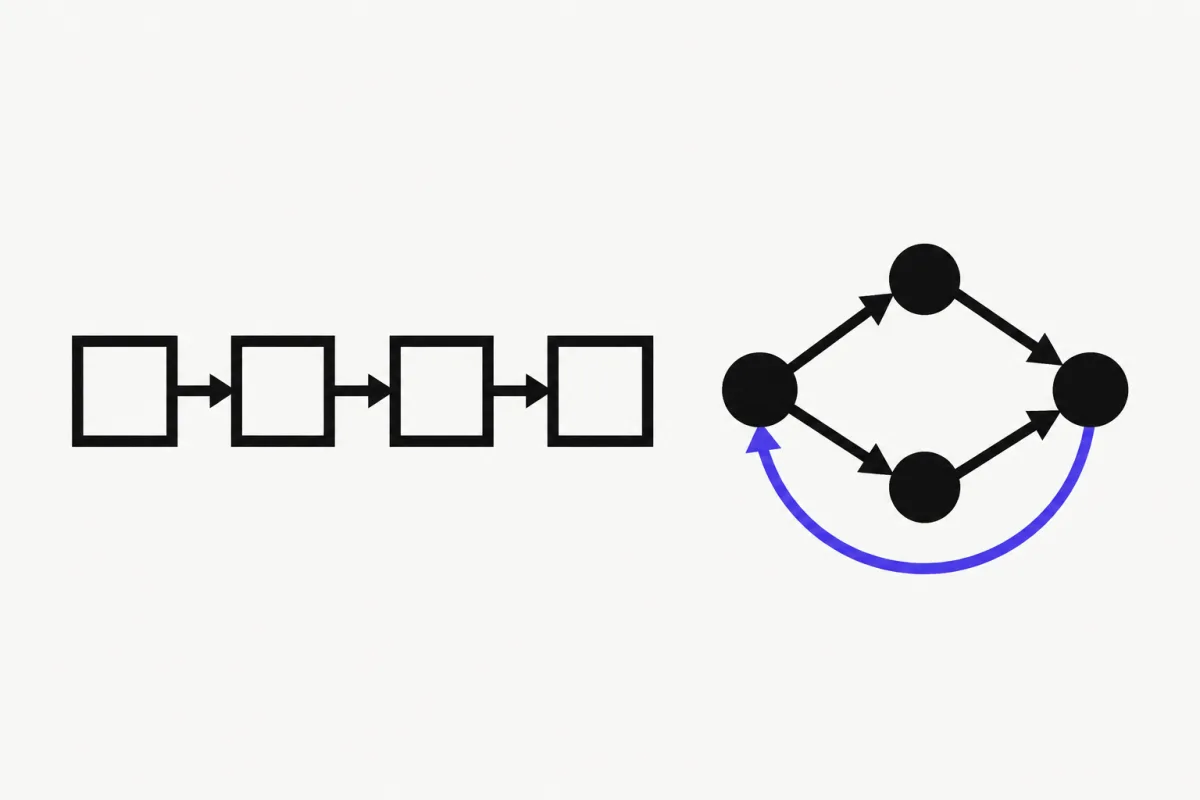
LangChain and LangGraph are not competitors. They are two layers of the same stack.
- LangChain is an agent framework. Its
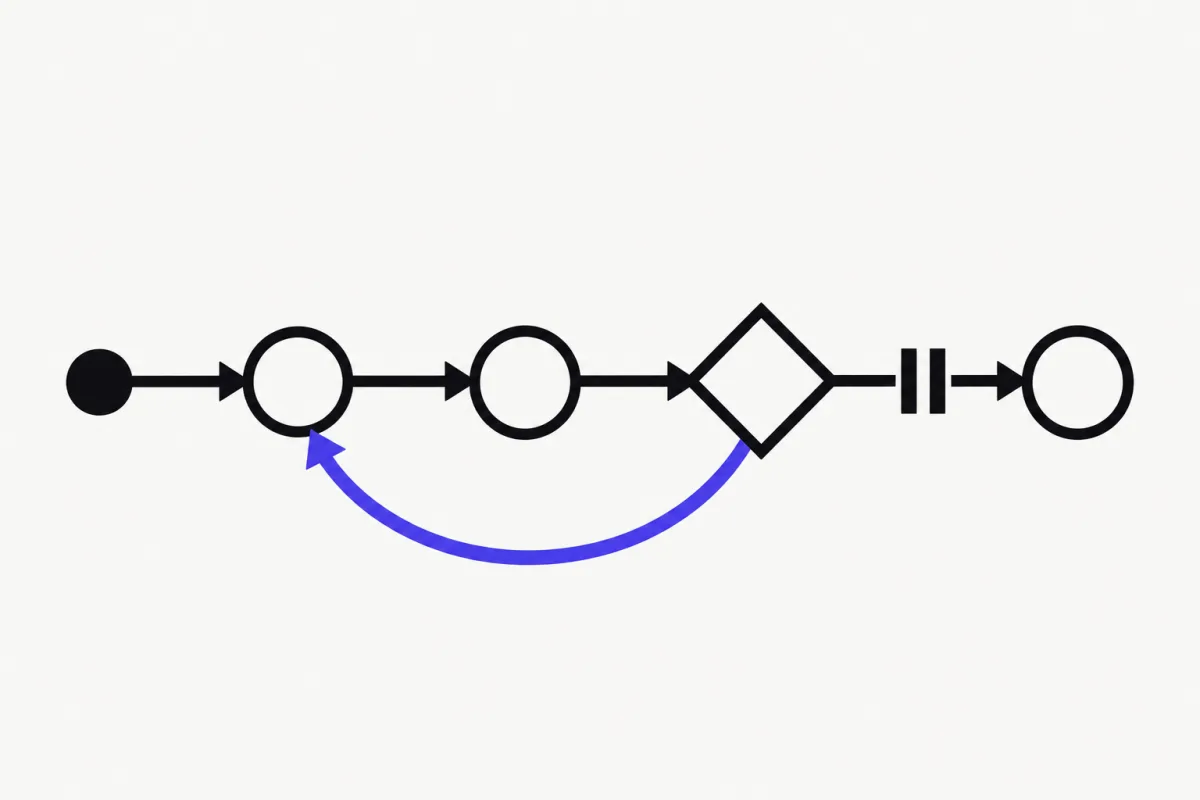
create_agentfunction gives you a production-ready agent loop (model → tools → model) that you customize with middleware. - LangGraph is the low-level orchestration framework and runtime underneath. You describe your agent as a graph of nodes and edges with explicit state, persistence, and human-in-the-loop.
- LangChain agents are built on LangGraph.
create_agentreturns a compiled LangGraph graph, so you get LangGraph's persistence, streaming, and interrupts either way.
Rule of thumb: start with LangChain's create_agent. Move to LangGraph when you need control flow that the standard agent loop can't express: fixed steps mixed with LLM decisions, branching, approval gates, or long-running stateful workflows.
| LangChain | LangGraph | |
|---|---|---|
| What it is | Agent framework: a ready-made agent loop plus middleware | Low-level orchestration framework and runtime |
| Main API | create_agent(model, tools, system_prompt) | StateGraph: nodes, edges, conditional edges |
| Control flow | The built-in loop: model → tools → model | Whatever you draw: branches, loops, parallel steps |
| State | Message list (plus structured output) | Any typed state you define |
| Customization | Middleware hooks (retries, summarization, HITL, limits) | Full control over every node and transition |
| Memory & persistence | Pass a checkpointer + thread_id | Same checkpointers, plus stores for long-term memory |
| Human-in-the-loop | HumanInTheLoopMiddleware | interrupt() anywhere in a node, resume with Command |
| Learning curve | Low: a working agent in ~15 lines | Medium: you design the graph yourself |
| Best for | Standard tool-calling agents, fast prototypes | Custom workflows that mix deterministic and agentic steps |
How LangChain, LangGraph, and Deep Agents Fit Together
The LangChain docs describe three layers. Each one builds on the layer below it:
- LangGraph is the agent runtime: graphs, state, checkpoints, interrupts, durable execution.
- LangChain is the agent framework:
create_agent, structured content blocks, middleware, and integrations with model providers. - Deep Agents is the agent harness: a separate
deepagentspackage with planning, a virtual file system for context management, and subagents, meant for long, multi-step tasks.
So "LangChain vs LangGraph" is really a question about how much of the agent loop you want to write yourself.
The Same Agent in LangChain
Here is a weather agent with one tool, built with LangChain's create_agent. Install with pip install -U langchain "langchain[openai]" (Python 3.10+). Model names use the provider:model format, so you can swap openai:... for anthropic:... or google_genai:....
The agent loop, tool execution, and message handling are all built in. You write the tool and the prompt; LangChain does the rest.
from langchain.agents import create_agent


def get_weather(city: str) -> str:
    """Get weather for a given city."""
    return f"It's always sunny in {city}!"


agent = create_agent(
    model="openai:gpt-5.5",
    tools=[get_weather],
    system_prompt="You are a helpful assistant",
)

result = agent.invoke(
    {"messages": [{"role": "user", "content": "What's the weather in San Francisco?"}]}
)
result["messages"][-1].pretty_print()
The Same Agent in LangGraph
Now the same agent with LangGraph's Graph API (pip install -U langgraph langchain). This time you write the loop: a node that calls the model, a node that runs tools, and a conditional edge that decides whether to call tools again or finish.
It's about three times more code. In exchange, every step is visible and replaceable: you can add a validation node, route to a different model, insert an approval step, or run tools in parallel.
from typing import Literal

from langchain.chat_models import init_chat_model
from langchain.messages import SystemMessage, ToolMessage
from langchain.tools import tool
from langgraph.graph import StateGraph, MessagesState, START, END


@tool
def get_weather(city: str) -> str:
    """Get weather for a given city."""
    return f"It's always sunny in {city}!"


tools_by_name = {get_weather.name: get_weather}
model = init_chat_model("openai:gpt-5.5").bind_tools([get_weather])


def call_model(state: MessagesState):
    system = SystemMessage(content="You are a helpful assistant")
    return {"messages": [model.invoke([system] + state["messages"])]}


def call_tools(state: MessagesState):
    results = []
    for tool_call in state["messages"][-1].tool_calls:
        tool = tools_by_name[tool_call["name"]]
        observation = tool.invoke(tool_call["args"])
        results.append(ToolMessage(content=observation, tool_call_id=tool_call["id"]))
    return {"messages": results}


def should_continue(state: MessagesState) -> Literal["call_tools", END]:
    if state["messages"][-1].tool_calls:
        return "call_tools"
    return END


builder = StateGraph(MessagesState)
builder.add_node("call_model", call_model)
builder.add_node("call_tools", call_tools)
builder.add_edge(START, "call_model")
builder.add_conditional_edges("call_model", should_continue, ["call_tools", END])
builder.add_edge("call_tools", "call_model")
graph = builder.compile()

result = graph.invoke(
    {"messages": [{"role": "user", "content": "What's the weather in San Francisco?"}]}
)
result["messages"][-1].pretty_print()
Memory and Persistence
Both use the same persistence layer, because LangChain agents run on LangGraph. A checkpointer saves state after every step, and a thread_id identifies the conversation. Call the agent again with the same thread_id and it remembers the previous turns.
InMemorySaverkeeps checkpoints in RAM. Use it for development only.- For production, use a durable saver such as
PostgresSaver(langgraph.checkpoint.postgres) orSqliteSaver. - In LangGraph, a checkpointer is short-term, per-thread memory. For memory shared across threads (user preferences, facts), LangGraph adds stores:
builder.compile(checkpointer=..., store=...).
The LangChain version, with a checkpointer passed to create_agent:
from langchain.agents import create_agent
from langgraph.checkpoint.memory import InMemorySaver

agent = create_agent(
    model="openai:gpt-5.5",
    tools=[],
    checkpointer=InMemorySaver(),
)

config = {"configurable": {"thread_id": "user-42"}}

agent.invoke({"messages": [{"role": "user", "content": "Hi, I'm Bob."}]}, config)
result = agent.invoke({"messages": [{"role": "user", "content": "What's my name?"}]}, config)
result["messages"][-1].pretty_print()  # remembers "Bob"

# LangGraph: same idea, graph = builder.compile(checkpointer=InMemorySaver())
Human-in-the-Loop: Middleware vs interrupt()
This is where the difference becomes practical.
- LangChain handles the common case with
HumanInTheLoopMiddleware: pause before selected tool calls and wait for approval. It needs a checkpointer. - LangGraph lets you pause anywhere with
interrupt(). The graph saves its state, returns the interrupt payload to your app, and continues when you call it again withCommand(resume=...).
Two rules from the LangGraph docs that save hours of debugging: don't wrap interrupt() in a bare try/except, and remember that the node restarts from the beginning on resume, so code before interrupt() runs twice.
from typing import TypedDict

from langgraph.checkpoint.memory import InMemorySaver
from langgraph.graph import StateGraph, START, END
from langgraph.types import Command, interrupt


class RefundState(TypedDict):
    amount: float
    approved: bool | None


def approve_refund(state: RefundState):
    approved = interrupt({"question": "Approve this refund?", "amount": state["amount"]})
    return {"approved": approved}


builder = StateGraph(RefundState)
builder.add_node("approve_refund", approve_refund)
builder.add_edge(START, "approve_refund")
builder.add_edge("approve_refund", END)
graph = builder.compile(checkpointer=InMemorySaver())

config = {"configurable": {"thread_id": "refund-1"}}
result = graph.invoke({"amount": 120.0, "approved": None}, config)
print(result["__interrupt__"])  # paused, waiting for a human

result = graph.invoke(Command(resume=True), config)
print(result["approved"])  # True
When to Choose LangChain
Pick LangChain's create_agent when:
- You're building a standard tool-calling agent: chat assistant, RAG agent, support bot, internal tool.
- You want a working prototype today. The whole agent fits on one screen.
- Your customizations are cross-cutting: retries, model fallbacks, summarizing long histories, PII redaction, call limits, tool approval. These already exist as built-in middleware (
ModelRetryMiddleware,ModelFallbackMiddleware,SummarizationMiddleware,PIIMiddleware,ModelCallLimitMiddleware,HumanInTheLoopMiddleware, and more). - You're learning agents for the first time. Understand the agent loop before you rebuild it by hand.
When to Choose LangGraph
Pick LangGraph when:
- Your workflow mixes deterministic steps and LLM decisions: "always validate input → let the model plan → run a fixed approval step → execute".
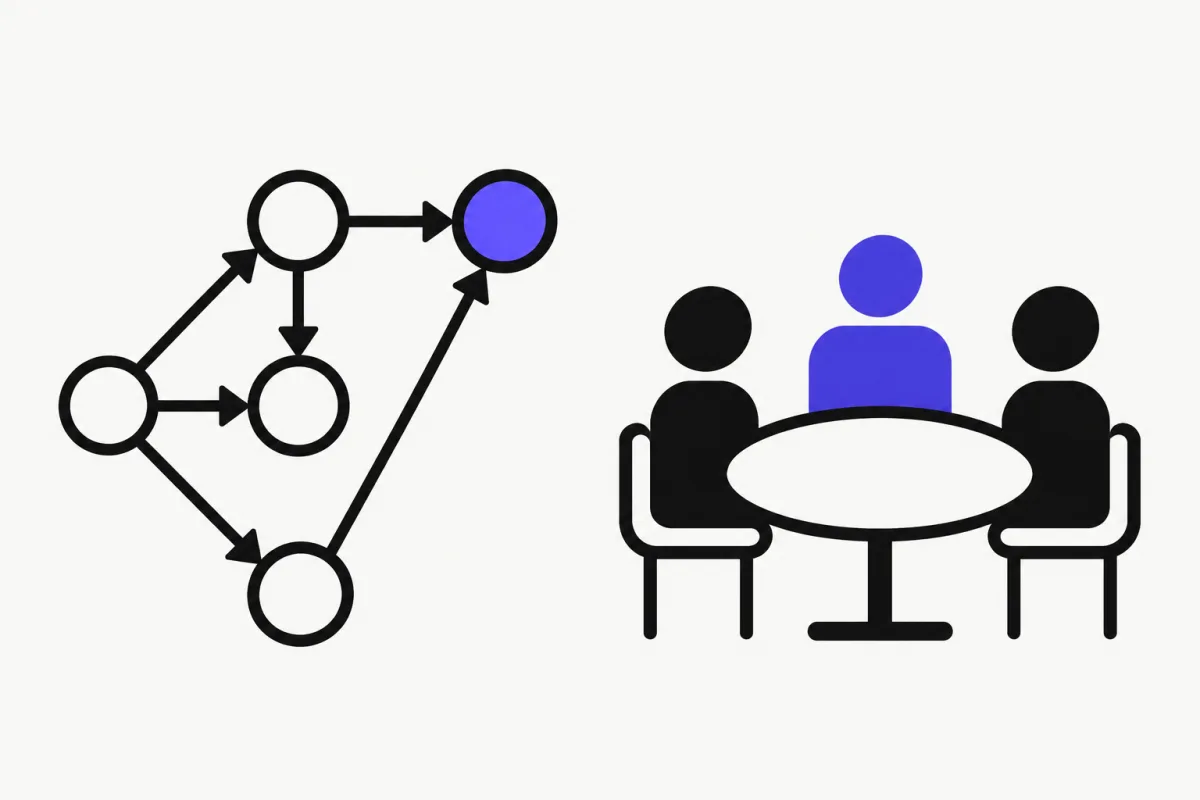
- You need branching, loops, or parallel steps that don't fit the model → tools → model cycle.
- You need human approval in the middle of a process, not just before a tool call.
- The process is long-running or must survive restarts: durable execution and checkpoints are LangGraph's core job.
- You're building a multi-agent system where you want to control exactly who talks to whom.
You can also combine them: because create_agent returns a compiled graph, you can start with a LangChain agent and later use it as one node (a subgraph) inside a bigger LangGraph workflow.
Ready to build one? Our LangGraph tutorial goes from a minimal graph to tools, memory, human-in-the-loop, and streaming, with code at every step.
What About Deep Agents?
Deep Agents (pip install deepagents) sits on top of LangGraph and targets agents that work for a long time on complex, multi-step tasks, similar to coding or research agents. It adds planning, a file system for managing context, and the ability to spawn subagents.
Choose it when your agent needs to break a big task into many steps and keep track of intermediate results. For a typical chatbot or tool-calling agent it's more than you need.
Is There a Simpler Alternative?
If you mostly need type-safe, tool-calling agents in Python and don't need a graph, look at PydanticAI. It's a lightweight agent framework from the Pydantic team: agents, tools, structured outputs validated by Pydantic, dependency injection, and built-in test models. For graph workflows it has a separate pydantic-graph package.
We teach agents with PydanticAI in our free 8-lesson course: first agent, tools, multi-agent patterns, memory, testing, and production deployment. The concepts (agent loop, tools, memory, evaluation) transfer directly to LangChain and LangGraph.
FAQ
- Is LangGraph part of LangChain?
- LangGraph is a separate open-source library from the same team. LangChain agents are built on top of LangGraph: create_agent returns a compiled LangGraph graph. LangGraph is the runtime; LangChain is the higher-level agent framework.
- Do I need LangChain to use LangGraph?
- No. LangGraph can be used on its own with any model client. Many examples use LangChain packages for chat models, messages, and tools because they integrate well, but they are not required.
- Should a beginner learn LangChain or LangGraph first?
- Start with LangChain create_agent to understand the agent loop, tools, and memory. Learn LangGraph when you need custom control flow. Since LangChain agents run on LangGraph, nothing you learn is wasted.
- Can I use LangChain and LangGraph together?
- Yes, and that is the common setup. Use create_agent for standard agents and LangGraph for the custom workflow around them. A LangChain agent can be added to a LangGraph workflow as a subgraph.
- Which is better for multi-agent systems?
- LangGraph, if you need explicit control over how agents hand off work, share state, or wait for approval. For simple delegation, a LangChain agent that calls other agents as tools is often enough.