TL;DR
The Short Answer
LangGraph gives you control. CrewAI gives you speed.
- LangGraph is a low-level orchestration runtime. You model your system as a graph of nodes that read and update shared state, and you get checkpoints,
interrupt()for human approval, and durable execution. Nothing about prompts or agent roles is prescribed. - CrewAI is higher level. You describe Agents by role, goal, and backstory, give them Tasks with an expected output, group them into a Crew, and orchestrate crews and plain Python steps with event-driven Flows.
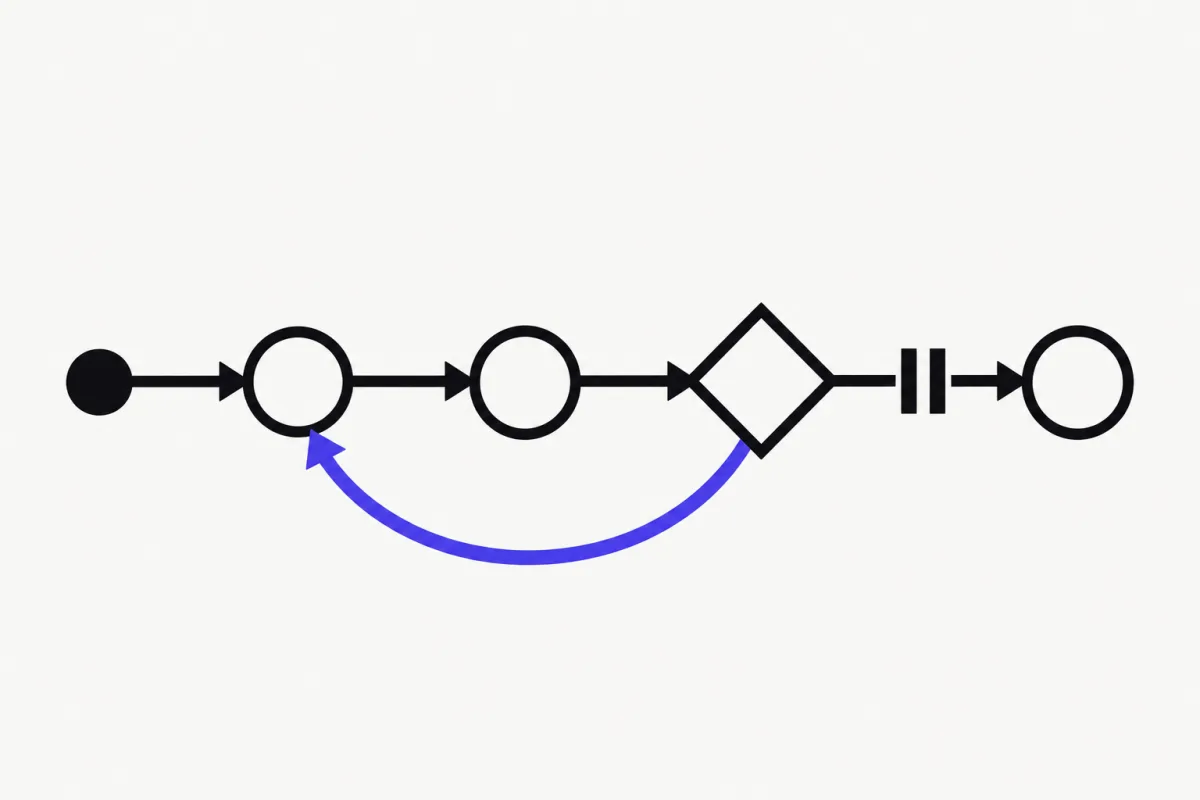
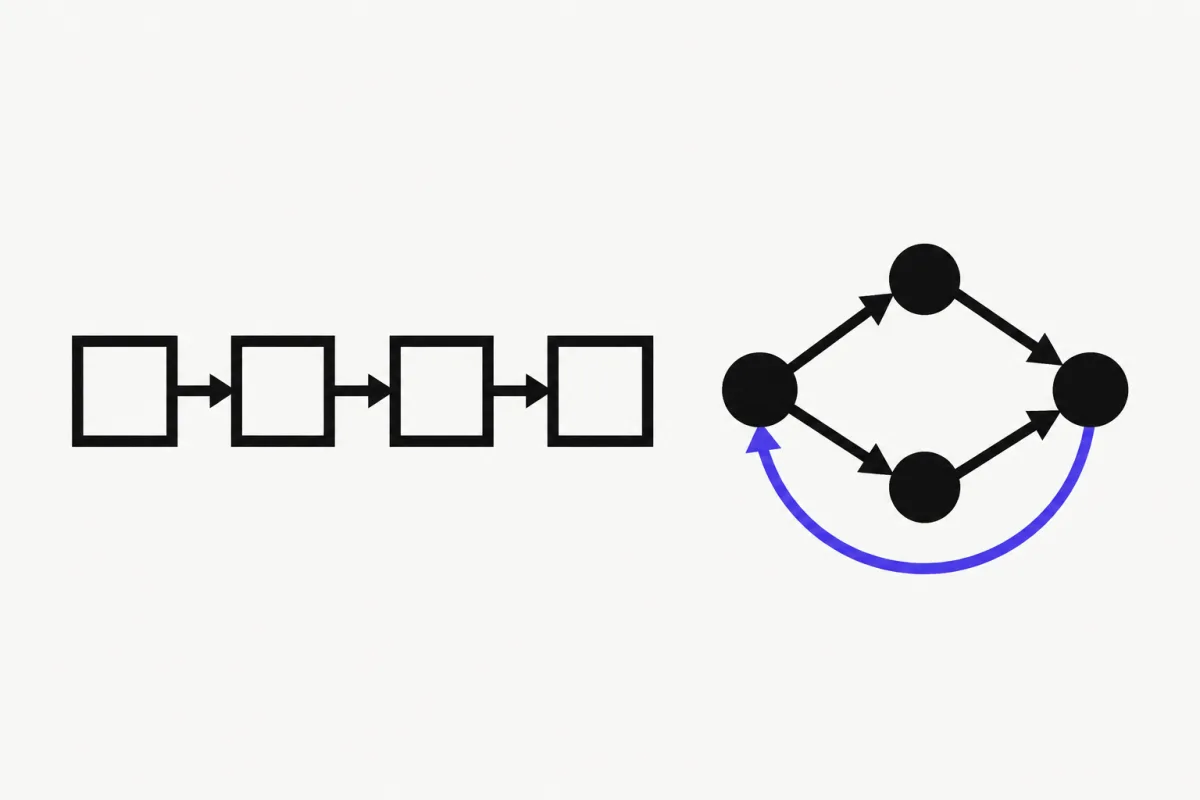
Rule of thumb: if you can describe your system as "a team of specialists passing work down a line", CrewAI gets you there with less code. If you need exact control over branching, retries, state shape, and pause/resume, use LangGraph.
| LangGraph | CrewAI | |
|---|---|---|
| What it is | Low-level orchestration framework and runtime for long-running, stateful agents | Framework for role-based agent teams (Crews) orchestrated by Flows |
| Core abstractions | StateGraph: nodes, edges, shared typed state | Agents (role, goal, backstory), Tasks, Crews, Flows |
| Control flow | Explicit edges, conditional edges, loops | Crew processes (sequential, hierarchical); @start / @listen / @router in Flows |
| Passing data | Nodes return partial state updates, merged by reducers | Task output flows to the next task; context=[...] for explicit dependencies; Flow state |
| Persistence | Checkpointers (in-memory, SQLite, Postgres) + thread_id | Flow @persist (SQLite by default); Crew checkpoint=True + Crew.from_checkpoint() |
| Human-in-the-loop | interrupt() anywhere, resume with Command(resume=...) | @human_feedback in Flows (CrewAI 1.8.0+), human_input on tasks |
| Project setup | Plain Python, no scaffolding required | CLI: crewai create crew / flow, JSONC config, crewai run |
| Models | Any model client; usually LangChain chat models | Native OpenAI, Anthropic, Gemini, Azure, Bedrock, Snowflake; others via LiteLLM |
| Platform | LangSmith (tracing, evals, deployment) | CrewAI AMP (managed SaaS) |
| Learning curve | Medium: you design the graph | Low for crews, medium once you add Flows |
| Best for | Custom, resumable workflows with precise control | Fast, readable role-based pipelines (research, content, analysis) |
How CrewAI Works: Agents, Tasks, Crews, and Flows
CrewAI's current docs describe two layers that work together:
- Flows are "the backbone": structured, event-driven workflows that own state and execution order. Methods are wired with decorators:
@start()runs first,@listen(method)runs when another method finishes,@router()branches on a returned label, andor_/and_combine triggers. - Crews are "the units of work" inside a Flow: teams of Agents that execute Tasks.
- An Agent has a
role,goal,backstory, anllm, and optionaltools. - A Task has a
description, anexpected_output, and an assignedagent. Usecontext=[other_task]to feed another task's output in explicitly. - A Process decides how tasks run:
Process.sequential(the default) orProcess.hierarchical, where a manager (manager_llmormanager_agent) delegates the work.
- An Agent has a
The docs' advice for production apps is to start with a Flow and call a Crew from a Flow step when you need a team of autonomous agents. You can also use a single Agent directly inside a Flow, without a Crew, via agent.kickoff().
How LangGraph Works: State, Nodes, Edges
LangGraph has no notion of "roles". You define:
- State: a schema (
TypedDict, dataclass, or Pydantic model) whose keys are channels. Nodes return partial updates, and reducers decide how updates merge. - Nodes: plain functions. A node can call a model, a whole LangChain agent, a tool, or no LLM at all.
- Edges:
add_edgefor fixed transitions,add_conditional_edgesfor routing, and loops wherever you draw them.
Compile the graph with a checkpointer and every step is saved under a thread_id. That makes pause/resume, human approval, and crash recovery first-class. LangGraph doesn't require LangChain, but most examples use LangChain models and create_agent agents as nodes. (New to that split? Read LangChain vs LangGraph.)
The Same Pipeline in CrewAI: Researcher → Writer
Two agents, two tasks, one sequential crew. {topic} placeholders in agent and task text are filled from kickoff(inputs=...). The writer's task lists the research task in context, so it receives the researcher's output. Install with uv add "crewai[openai]" (CrewAI supports Python 3.10 to 3.13) and set OPENAI_API_KEY.
Notice how much of the "prompt" lives in role, goal, backstory, and expected output. That's CrewAI's main idea: you describe the job and the team, and the framework writes the agent prompts.
# uv add "crewai[openai]"
from crewai import LLM, Agent, Crew, Process, Task
from crewai.tools import tool


@tool("search_notes")
def search_notes(query: str) -> str:
    """Search internal research notes for a query."""
    return f"Notes on {query}: agents need tools, memory, and evals."


llm = LLM(model="openai/gpt-5.5")

researcher = Agent(
    role="Senior Researcher",
    goal="Collect accurate, relevant facts about {topic}",
    backstory="You dig up facts and say where each one came from.",
    tools=[search_notes],
    llm=llm,
)

writer = Agent(
    role="Tech Writer",
    goal="Turn research notes about {topic} into a clear, short article",
    backstory="You write plain, practical prose for developers.",
    llm=llm,
)

research_task = Task(
    description="Research {topic}. Use the search_notes tool.",
    expected_output="A bullet list of 5 key facts.",
    agent=researcher,
)

write_task = Task(
    description="Write a 300-word article about {topic} based on the research.",
    expected_output="A markdown article with a title and three short sections.",
    agent=writer,
    context=[research_task],
)

crew = Crew(
    agents=[researcher, writer],
    tasks=[research_task, write_task],
    process=Process.sequential,
)

result = crew.kickoff(inputs={"topic": "AI agent frameworks"})
print(result.raw)
The Same Pipeline in LangGraph
Now the same pipeline in LangGraph (pip install -U langgraph langchain "langchain[openai]"). Each agent is a LangChain create_agent agent, wrapped in a node. The graph's state holds the topic, the research notes, and the article, and two edges fix the order.
It's slightly more code, and you write the prompts yourself. In return the data flow is explicit: you can see exactly which key each node reads and writes. Adding a "fact-check" node, a loop back to research when notes are thin, or a human approval step before publishing takes one node and one edge each.
# pip install -U langgraph langchain "langchain[openai]"
from typing import TypedDict

from langchain.agents import create_agent
from langchain.tools import tool
from langgraph.graph import StateGraph, START, END


@tool
def search_notes(query: str) -> str:
    """Search internal research notes for a query."""
    return f"Notes on {query}: agents need tools, memory, and evals."


researcher = create_agent(
    model="openai:gpt-5.5",
    tools=[search_notes],
    system_prompt="You are a senior researcher. Use search_notes and return 5 key facts as bullets.",
)

writer = create_agent(
    model="openai:gpt-5.5",
    tools=[],
    system_prompt="You are a tech writer. Turn research notes into a short markdown article.",
)


class PipelineState(TypedDict):
    topic: str
    research: str
    article: str


def research(state: PipelineState):
    result = researcher.invoke(
        {"messages": [{"role": "user", "content": f"Research: {state['topic']}"}]}
    )
    return {"research": result["messages"][-1].text}


def write(state: PipelineState):
    prompt = f"Topic: {state['topic']}\n\nResearch notes:\n{state['research']}"
    result = writer.invoke({"messages": [{"role": "user", "content": prompt}]})
    return {"article": result["messages"][-1].text}


builder = StateGraph(PipelineState)
builder.add_node("research", research)
builder.add_node("write", write)
builder.add_edge(START, "research")
builder.add_edge("research", "write")
builder.add_edge("write", END)
graph = builder.compile()

result = graph.invoke({"topic": "AI agent frameworks"})
print(result["article"])
State, Persistence, and Human-in-the-Loop
Both frameworks can now pause, persist, and resume. They do it at different levels.
LangGraph persists at the step level. Compile with a checkpointer (InMemorySaver for development, SQLite or Postgres savers for production) and every node transition is saved under a thread_id. Call interrupt() inside any node to pause for a human. The graph returns the interrupt payload to your app and resumes when you invoke it again with Command(resume=...). Human approval can sit anywhere, not just before a tool call.
CrewAI has two mechanisms:
- Flow persistence: the
@persistdecorator (class or method level,SQLiteFlowPersistenceby default) saves Flow state across restarts.kickoff(restore_from_state_id=...)forks a new run from a saved snapshot. - Crew checkpointing:
Crew(..., checkpoint=True)saves state to.checkpoints/after every task, andCrew.from_checkpoint(path)resumes without re-running completed tasks.CheckpointConfiglets you choose JSON or SQLite storage and retention.
For human review, CrewAI Flows have @human_feedback (CrewAI 1.8.0+). It pauses the flow, collects free-form feedback, and can use an LLM to map that feedback onto outcomes like "approved" or "rejected" that trigger @listen handlers. Tasks also accept human_input.
The practical difference: CrewAI checkpoints at task and flow-method granularity. That's usually enough for content and research pipelines. LangGraph checkpoints every node and lets you interrupt mid-node. That matters for long-running agents, approvals inside loops, and "time-travel" debugging.
CrewAI vs AutoGen (and What Replaced AutoGen)
If "CrewAI vs AutoGen" is on your shortlist, check AutoGen's status first. Microsoft's official AutoGen GitHub repository is marked archived and says the project is no longer actively maintained: Microsoft provides no bug fixes, security fixes, new features, or support. It also advises against production use.
The same README names the successor. New users should start with Microsoft Agent Framework (MAF), and existing users should follow the official AutoGen → Microsoft Agent Framework migration guide. Microsoft describes MAF as the enterprise-ready successor, with a production-ready 1.0 release, stable APIs, and a long-term support commitment. Per its README, MAF is an open, multi-language framework for Python and .NET (with a separate Go SDK). It offers graph-based workflows (sequential, concurrent, handoff, and group collaboration patterns), checkpointing, human-in-the-loop, middleware, and OpenTelemetry observability. Install with pip install agent-framework.
So the real 2026 question is CrewAI vs Microsoft Agent Framework:
- Pick CrewAI for fast, role-based crews in Python with a CLI and project scaffolding.
- Pick MAF if you're on Azure / Microsoft Foundry, need .NET, or are migrating an AutoGen codebase.
- Don't start a new project on AutoGen.
CrewAI Tutorial: From Zero to a Running Crew
The CrewAI CLI scaffolds the project for you. The current docs flow:
- Install uv, then the CLI:
uv tool install crewai(check it withuv tool list). - Create a project:
crewai create crew my_project. New projects are JSON-first: each agent lives inagents/<name>.jsonc, and tasks plus crew settings live increw.jsonc. If you want the oldercrew.py+config/agents.yaml+config/tasks.yamllayout, add--classic. - Add your keys to
.env(for exampleOPENAI_API_KEY; setMODELto aprovider/model-idstring). - Install and run:
crewai install, thencrewai run. The CLI prompts for any{placeholder}inputs that have no default. - Grow into a Flow:
crewai create flow my_flowscaffolds a Flow app with a starter crew. Then wire steps with@start()and@listen().
The direct-code style shown above (Agent, Task, Crew in one Python file) is still supported and is the fastest way to experiment in a notebook.
When to Choose LangGraph
- Control flow is the hard part: branching, loops, retries, parallel fan-out, and mixing deterministic steps with LLM calls.
- You need durable, resumable runs with per-step checkpoints, or human approval inside a loop.
- You want to own the prompts. LangGraph doesn't inject role or backstory templates.
- You're already on LangChain or LangSmith, or you want
create_agentagents (with middleware) as building blocks. - You're building a long-running, stateful agent product, not a one-shot pipeline.
When to Choose CrewAI
- Your problem reads like a team: researcher → analyst → writer, or planner → executor → reviewer.
- You want results fast. A working multi-agent pipeline fits in one short file, and the CLI handles project structure.
- Non-specialists need to read or edit the system. Roles, goals, and expected outputs in JSONC are easy to review.
- Your checkpoints are natural task boundaries, and task- or flow-level persistence is enough.
- You want a managed platform (CrewAI AMP) for deploying crews without running infrastructure.
Verdict
CrewAI is the quicker path to a working multi-agent pipeline. LangGraph is the safer foundation for complex, long-running, stateful systems. A sensible path: prototype the "team" in CrewAI to learn what the agents should do, then rebuild the parts that need precise control in LangGraph. Both are fine choices. AutoGen, in 2026, is not.
If you'd rather learn the fundamentals (the agent loop, tools, memory, multi-agent communication, testing) without a heavy framework, our free 8-lesson PydanticAI course covers them hands-on, including multi-agent systems and agent-to-agent communication. For how PydanticAI compares, see Pydantic AI vs LangChain, and for the full landscape, our AI agent frameworks guide.
FAQ
- Is CrewAI built on LangChain or LangGraph?
- No. CrewAI describes itself as a standalone Python framework with its own primitives for agents, tasks, crews, flows, tools, and orchestration. It has native integrations for OpenAI, Anthropic, Google Gemini, Azure, AWS Bedrock, and Snowflake, and uses LiteLLM for other providers.
- Which is easier to learn, LangGraph or CrewAI?
- CrewAI. You describe agents by role, goal, and backstory and tasks by expected output, and a sequential crew runs them in order. LangGraph asks you to design the state schema, nodes, and edges yourself, which takes longer but gives you more control.
- Can CrewAI pause for human approval like LangGraph?
- Yes. CrewAI Flows have a @human_feedback decorator (CrewAI 1.8.0 or higher) that pauses execution for feedback and can route to approved or rejected handlers. LangGraph uses interrupt() inside any node and resumes with Command(resume=...).
- Is AutoGen still maintained?
- No. Microsoft has archived the AutoGen repository and says it is no longer actively maintained, with no bug fixes, security fixes, or new features. Microsoft recommends Microsoft Agent Framework for new projects and provides a migration guide from AutoGen.
- Can I use LangGraph and CrewAI together?
- You can. A LangGraph node is just a Python function, so it can call crew.kickoff() and write the result into graph state. Picking one orchestrator is usually simpler, though, so you do not maintain two sets of state and persistence.
- Which is better for production, LangGraph or CrewAI?
- Both are used in production. LangGraph is stronger when you need per-step checkpoints, durable execution, and human approval at arbitrary points. CrewAI is strong for well-defined, task-based pipelines and offers Flow persistence, crew checkpointing, and the managed CrewAI AMP platform.