TL;DR
The Short Answer
Both are solid in 2026. They optimize for different things.
- Pydantic AI is a lean, typed agent framework from the team behind Pydantic. You get an
Agentthat is generic in its dependency and output types, tools whose arguments are validated by Pydantic, and first-class test models. It feels like writing FastAPI code. - LangChain gives you
create_agent, a configurable agent harness with a large middleware library, and it runs on LangGraph, so you can grow into a full graph runtime with checkpoints and interrupts without switching stacks.
Rule of thumb: pick Pydantic AI when correctness, typing, and testability of a mostly single-agent app matter most. Pick LangChain (and later LangGraph) when you want batteries-included middleware, or you already know you'll need a stateful, resumable workflow graph.
| PydanticAI | LangChain | |
|---|---|---|
| What it is | Typed Python agent framework from the Pydantic team | Agent framework (create_agent + middleware) built on LangGraph |
| Core API | Agent(model, instructions, output_type, deps_type) | create_agent(model, tools, system_prompt, response_format) |
| Tools | @agent.tool / @agent.tool_plain, arguments validated by Pydantic | Plain functions or @tool |
| Structured output | output_type → typed result.output | response_format → result["structured_response"] |
| Per-run data | deps_type + RunContext (dependency injection) | context_schema + runtime.context |
| Extending the loop | Capabilities (bundles of tools, hooks, instructions) + Pydantic AI Harness | Middleware (retries, fallbacks, summarization, PII, HITL) |
| Unit testing | TestModel, FunctionModel, Agent.override, ALLOW_MODEL_REQUESTS | GenericFakeChatModel, FakeListChatModel, InMemorySaver |
| Graphs | pydantic-graph (typed nodes, no built-in state snapshots) | LangGraph (checkpointers, interrupt(), durable execution) |
| Human-in-the-loop | Deferred tools: requires_approval=True | HumanInTheLoopMiddleware or interrupt() |
| MCP | MCP capability or MCPToolset | langchain.mcp.MCPAdapter (beta) |
| Observability | Pydantic Logfire, plain OpenTelemetry | LangSmith |
| Python | 3.11+ | 3.10+ |
| Best for | Type-safe agents, structured extraction, testable production code | Standard agents with ready-made middleware, a path to LangGraph |
What Is Pydantic AI?
Pydantic AI is an open-source Python framework (pip install pydantic-ai, Python 3.11+) for building LLM agents. Its docs describe it as "the Python AI SDK": a typed, extensible agent loop where switching models is a string swap, such as 'openai:gpt-5.5' to an Anthropic or Google model.
An agent is a container for instructions, function tools, an optional structured output type, a dependency type, a default model, and capabilities (reusable bundles of tools, hooks, and instructions). In typing terms, an agent that takes Foobar dependencies and returns list[str] has the type Agent[Foobar, list[str]], so your IDE and type checker know exactly what result.output is.
Around the core library the Pydantic team ships separate packages: Pydantic Evals for evaluating agents, pydantic-graph for typed state machines, Pydantic AI Harness for memory, guardrails, sub-agents, and planning, and Logfire for observability (instrumentation is plain OpenTelemetry, so other backends work too).
Our free Pydantic AI course starts here: Lesson 1 builds your first agent in a few lines.
The Same One-Tool Agent in Pydantic AI
A weather agent with one tool. Tools are registered with decorators: @agent.tool_plain for tools that don't need run context, @agent.tool for tools that take a RunContext (to read dependencies like a DB connection or user ID). The function signature and docstring become the tool schema, and arguments are validated before your code runs.
# pip install pydantic-ai
from pydantic_ai import Agent

agent = Agent(
    'openai:gpt-5.5',
    instructions='You are a helpful assistant',
)


@agent.tool_plain
def get_weather(city: str) -> str:
    """Get weather for a given city."""
    return f"It's always sunny in {city}!"


result = agent.run_sync("What's the weather in San Francisco?")
print(result.output)
The Same One-Tool Agent in LangChain
The LangChain version with create_agent. Here a plain function works as a tool, and the result is the full message state rather than a single output value. Install with pip install -U langchain "langchain[openai]".
Line count is nearly identical. The difference is the shape of what you get back: Pydantic AI returns a typed result object (result.output, result.usage, message history on request), while LangChain returns the agent's state dict with a messages list, because the agent is a compiled LangGraph graph underneath.
# pip install -U langchain "langchain[openai]"
from langchain.agents import create_agent


def get_weather(city: str) -> str:
    """Get weather for a given city."""
    return f"It's always sunny in {city}!"


agent = create_agent(
    model="openai:gpt-5.5",
    tools=[get_weather],
    system_prompt="You are a helpful assistant",
)

result = agent.invoke(
    {"messages": [{"role": "user", "content": "What's the weather in San Francisco?"}]}
)
result["messages"][-1].pretty_print()
Structured Output: output_type vs response_format
Both frameworks accept a Pydantic model and give you back a validated instance.
- Pydantic AI: pass
output_type=YourModel. By default it uses tool output (the schema is sent as an output tool). You can switch toNativeOutput(the provider's native structured output) orPromptedOutput(schema in the instructions, works with any model).result.outputis typed as your model. For checks Pydantic can't express, such as running anEXPLAINon generated SQL, add an@agent.output_validatorand raiseModelRetryto make the model try again. - LangChain: pass
response_format=YourModel. LangChain picksProviderStrategywhen the model supports native structured output andToolStrategyotherwise; you can also set the strategy explicitly. The result lands inresult["structured_response"].
The practical difference is typing: in Pydantic AI the output type flows through Agent[Deps, Output] into result.output, so a type checker catches mistakes. In LangChain you read a key from a dict.
from langchain.agents import create_agent
from pydantic import BaseModel, Field
from pydantic_ai import Agent


class ContactInfo(BaseModel):
    """Contact information for a person."""
    name: str = Field(description="The name of the person")
    email: str = Field(description="The email address of the person")
    phone: str = Field(description="The phone number of the person")


prompt = "Extract contact info from: John Doe, john@example.com, (555) 123-4567"

# Pydantic AI: the output type is part of the agent's type
pai_agent = Agent('openai:gpt-5.5', output_type=ContactInfo)
pai_result = pai_agent.run_sync(prompt)
print(pai_result.output)  # a validated ContactInfo instance

# LangChain: the schema goes into response_format
lc_agent = create_agent(model="openai:gpt-5.5", response_format=ContactInfo)
lc_result = lc_agent.invoke({"messages": [{"role": "user", "content": prompt}]})
print(lc_result["structured_response"])  # a validated ContactInfo instance
Testing in Pydantic AI: TestModel and FunctionModel
This is where Pydantic AI is strongest. Testing is built into the framework, not bolted on:
TestModelcalls every tool on the agent, then returns text or structured data that matches your output schema. No ML involved, just procedural code that satisfies the JSON schema. Great for smoke-testing wiring.FunctionModellets you write the "model" yourself: a function that receives the message history and returns aModelResponsewith tool calls or text. Use it to drive specific code paths.agent.override(model=...)swaps the model inside awithblock, so you can test code that calls the agent deep inside your app without changing that code.models.ALLOW_MODEL_REQUESTS = Falseblocks accidental real LLM calls in your test suite.
Tip: defer_model_check=True stops the agent from checking for API keys at import time, which keeps CI simple. We cover this pattern, plus evals, in Lesson 6: Evaluation & Testing.
from pydantic_ai import Agent, ModelMessage, ModelResponse, TextPart, ToolCallPart, models
from pydantic_ai.models.function import AgentInfo, FunctionModel
from pydantic_ai.models.test import TestModel

models.ALLOW_MODEL_REQUESTS = False  # never hit a real LLM from tests

agent = Agent(
    'openai:gpt-5.5',
    instructions='You are a helpful assistant',
    defer_model_check=True,  # no API key needed at import time
)


@agent.tool_plain
def get_weather(city: str) -> str:
    """Get weather for a given city."""
    return f"It's always sunny in {city}!"


def test_with_test_model():
    with agent.override(model=TestModel()):
        result = agent.run_sync("What's the weather in Tokyo?")
    # TestModel calls every tool, then returns a JSON summary of the results
    assert "sunny" in result.output


def fake_llm(messages: list[ModelMessage], info: AgentInfo) -> ModelResponse:
    if len(messages) == 1:
        # first request: ask for the tool
        return ModelResponse(parts=[ToolCallPart('get_weather', {'city': 'Tokyo'})])
    # second request: answer with the tool result
    tool_return = messages[-1].parts[0]
    return ModelResponse(parts=[TextPart(f'Forecast: {tool_return.content}')])


def test_with_function_model():
    with agent.override(model=FunctionModel(fake_llm)):
        result = agent.run_sync("What's the weather in Tokyo?")
    assert result.output == "Forecast: It's always sunny in Tokyo!"
Testing in LangChain: Fake Chat Models
LangChain's docs split testing into unit tests (in-memory fakes), integration tests (real API calls), and evals (trajectory matching or LLM-as-judge, typically run in LangSmith).
For unit tests you replace the model with GenericFakeChatModel, which returns scripted AIMessages one per call, or FakeListChatModel for plain text. One gotcha from the docs: GenericFakeChatModel doesn't implement bind_tools, which create_agent calls when you pass tools, so you subclass it. You pass the fake model directly to create_agent, so structure your code so the model can be injected where the agent is built. For multi-turn tests, add an InMemorySaver checkpointer.
It works well, but you write more scaffolding. Pydantic AI's TestModel gives you a passing smoke test with zero scripted messages.
from langchain.agents import create_agent
from langchain.messages import AIMessage, HumanMessage, ToolCall
from langchain.tools import tool
from langchain_core.language_models.fake_chat_models import GenericFakeChatModel


class FakeToolCallingModel(GenericFakeChatModel):
    def bind_tools(self, tools, **kwargs):
        return self


@tool
def get_weather(city: str) -> str:
    """Get the weather for a city."""
    return f"72°F and sunny in {city}"


def test_agent_calls_tool_then_answers():
    model = FakeToolCallingModel(messages=iter([
        # Turn 1: the model calls the tool
        AIMessage(
            content="",
            tool_calls=[ToolCall(name="get_weather", args={"city": "Tokyo"}, id="call_1")],
        ),
        # Turn 2: the model answers using the tool result
        AIMessage(content="It is 72°F and sunny in Tokyo."),
    ]))
    agent = create_agent(model, tools=[get_weather])

    result = agent.invoke({"messages": [HumanMessage(content="Weather in Tokyo?")]})

    tool_call_messages = [
        m for m in result["messages"] if isinstance(m, AIMessage) and m.tool_calls
    ]
    assert len(tool_call_messages) == 1
    assert tool_call_messages[0].tool_calls[0]["name"] == "get_weather"
    assert "Tokyo" in result["messages"][-1].text
Pydantic AI vs LangGraph: pydantic-graph vs StateGraph
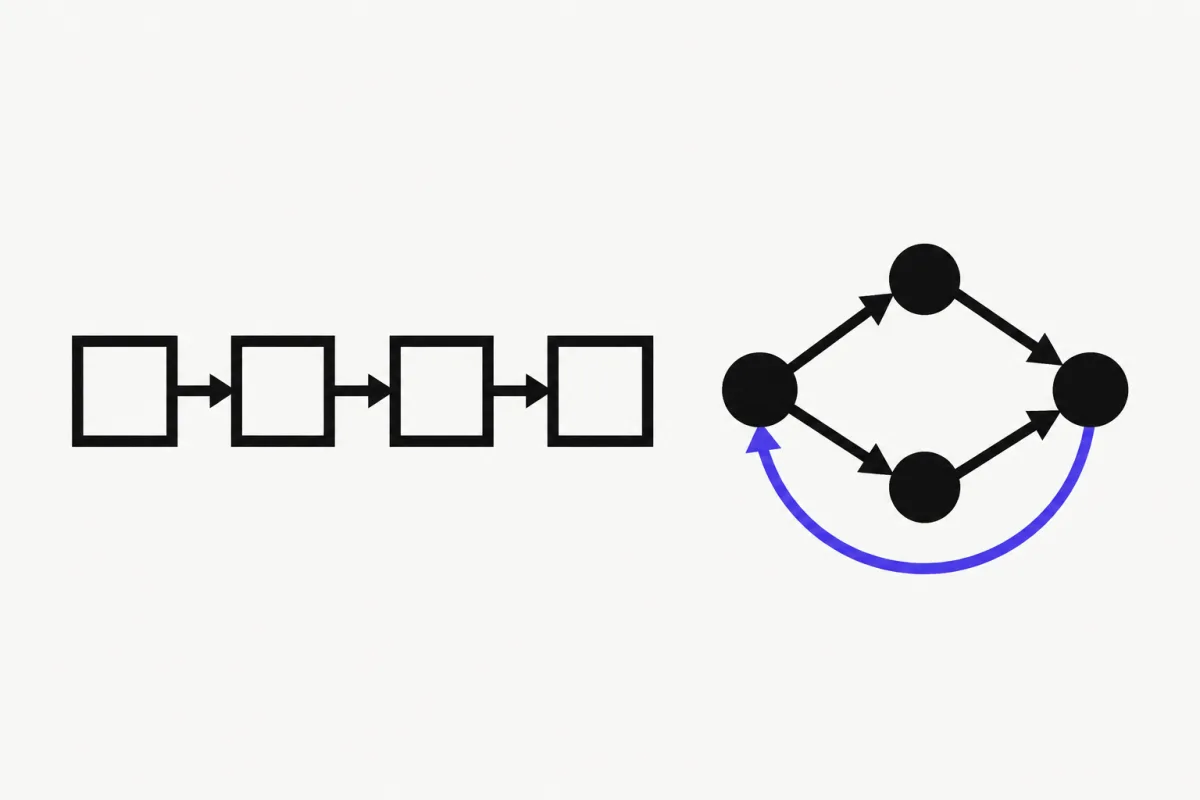
If you're really asking "Pydantic AI vs LangGraph", you're comparing graph libraries: pydantic-graph vs LangGraph's StateGraph.
pydantic-graph is a standalone async graph and state-machine library from the Pydantic AI team. It has no dependency on pydantic-ai. Nodes are dataclasses that subclass BaseNode. The return type annotation of each node's run method defines its outgoing edges, and you assemble the graph with GraphBuilder. The newer builder API adds steps, decisions, parallel fan-out, and joins. You can render any graph as a Mermaid diagram.
LangGraph's StateGraph works the other way around: nodes are functions that return partial state updates, and you wire edges explicitly with add_edge and add_conditional_edges. (See the full LangGraph agent loop in our LangChain vs LangGraph comparison.)
The difference that matters most in production is persistence:
- LangGraph is a runtime as much as a library. Checkpointers save state after every step,
interrupt()pauses anywhere for a human, and athread_idresumes the run later. - pydantic-graph doesn't snapshot graph state. Its docs say
pydantic_graph.persistencewas removed in V2. To save and resume agent runs, Pydantic AI points you to the Harness'sStepPersistencecapability. For runs that must survive crashes, it points you to durable execution with Temporal, DBOS, or Prefect.
The Pydantic AI docs are also frank that you often don't need a graph at all. Their graphs page opens with "Don't use a nail gun unless you need a nail gun" and recommends agent delegation or programmatic hand-off first. Choose LangGraph if resumable, human-gated, long-running workflows are the core of your app. Choose Pydantic AI (with plain Python or pydantic-graph) if your control flow is mostly code you'd rather write yourself.
from __future__ import annotations

import asyncio
from dataclasses import dataclass

from pydantic_graph import BaseNode, End, GraphBuilder, GraphRunContext, StepContext


@dataclass
class DivisibleBy5(BaseNode[None, object, int]):
    foo: int

    async def run(
        self,
        ctx: GraphRunContext[None],
    ) -> Increment | End[int]:  # return type = outgoing edges
        if self.foo % 5 == 0:
            return End(self.foo)
        else:
            return Increment(self.foo)


@dataclass
class Increment(BaseNode[None]):
    foo: int

    async def run(self, ctx: GraphRunContext[None]) -> DivisibleBy5:
        return DivisibleBy5(self.foo + 1)


g = GraphBuilder(input_type=int, output_type=int)


@g.step
async def start(ctx: StepContext[None, None, int]) -> DivisibleBy5:
    return DivisibleBy5(ctx.inputs)


g.add(
    g.node(DivisibleBy5),
    g.node(Increment),
    g.edge_from(g.start_node).to(start),
)

fives_graph = g.build()


async def main():
    result = await fives_graph.run(inputs=4)
    print(result)  # 5


asyncio.run(main())
Middleware vs Capabilities, MCP, and Human-in-the-Loop
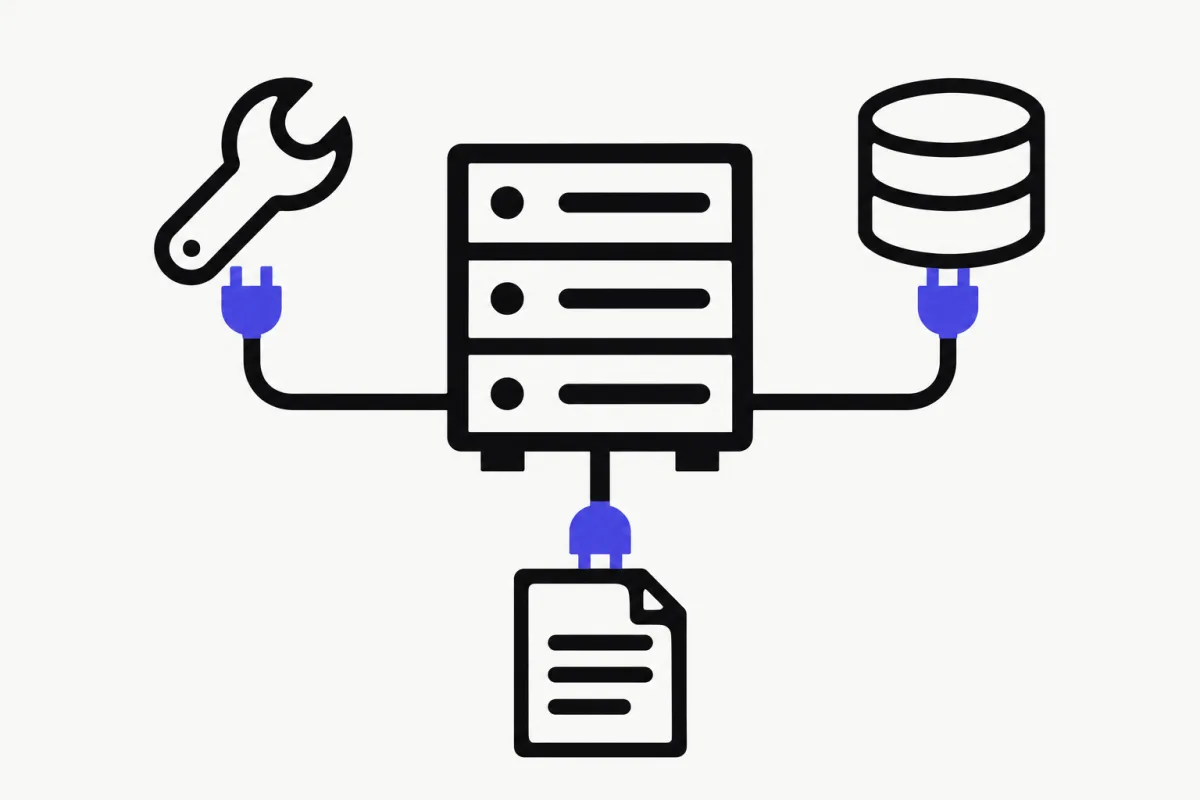
Extending the agent loop. LangChain's middleware hooks run before and after each model and tool call. The built-in set covers retries, model fallbacks, summarization, PII detection, call limits, LLM tool selection, and human approval. Pydantic AI's equivalent is capabilities: reusable bundles of tools, hooks, instructions, and model settings (for example Caching(), WebSearch(), MCP(...)). Pydantic AI Harness adds heavier ones like memory, guardrails, sub-agents, and planning. LangChain's catalogue of ready-made middleware is the more mature of the two for common production concerns.
MCP. Both are MCP clients. In Pydantic AI, use the MCP capability with a server URL, or MCPToolset for stdio, Streamable HTTP, or SSE servers. In LangChain, use MCPAdapter from langchain.mcp (requires langchain[mcp]>=1.4.0; the docs mark it beta). If you want to build the server side, see our MCP server guide.
Human-in-the-loop. Pydantic AI marks a tool with requires_approval=True. This makes it a deferred tool: the run ends with a DeferredToolRequests output, you collect approvals, and you start a new run with the message history plus DeferredToolResults. LangChain uses HumanInTheLoopMiddleware (it needs a checkpointer), and LangGraph's interrupt() can pause anywhere in a graph.
Memory. Pydantic AI stores conversations as message history that you persist yourself, or through a ConversationStore. Cross-conversation memory lives in the Harness. LangChain uses checkpointers with thread_id, plus LangGraph stores for long-term memory. Our course covers the Pydantic AI side in Lesson 4: Sessions and Lesson 5: Long-Term Memory.
What About Pydantic AI vs CrewAI?
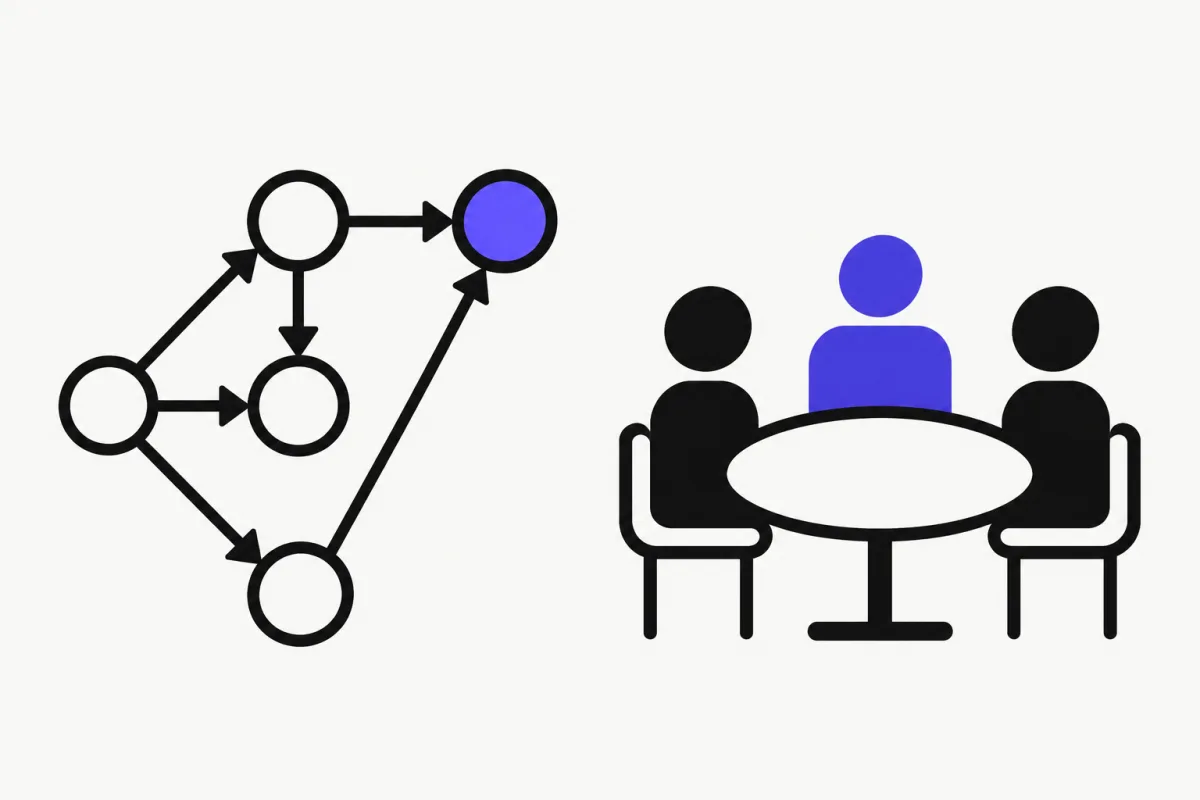
CrewAI has a different mental model. You describe a team of role-playing Agents (role, goal, backstory), give them Tasks with an expected output, group them into a Crew, and orchestrate everything with event-driven Flows. It's higher-level and more opinionated than either Pydantic AI or LangChain.
If your problem naturally reads as "a researcher hands notes to a writer", CrewAI gets you there with less code. If you want typed outputs, dependency injection, and unit tests with fake models, Pydantic AI gives you more control. In Pydantic AI, multi-agent setups are just agents calling other agents from tools (agent delegation) or your code handing off between agents. We teach both patterns in Lesson 2 and Lesson 7. For the CrewAI side in depth, read LangGraph vs CrewAI.
When Pydantic AI Wins
- Type safety is a requirement. Typed deps, typed outputs, validated tool arguments, and an agent that type-checks like any other Python code.
- Structured extraction and data-shaped outputs are the main job: classification, parsing documents into models, generating validated JSON for downstream systems.
- You want real unit tests.
TestModel,FunctionModel, andagent.overridemake deterministic, offline tests the default. - You prefer plain Python over framework abstractions. Control flow is your code; agents are reusable objects "like FastAPI apps", in the docs' words.
- You already use Pydantic and FastAPI. The mental model carries over directly. See Lesson 8 for a FastAPI + Redis + Docker deployment.
When LangChain Wins
- You want ready-made middleware for retries, fallbacks, summarization, PII redaction, and tool approval without writing it yourself.
- You expect to need LangGraph. A
create_agentagent is already a compiled graph, so it can drop into a bigger StateGraph as a node with checkpoints and interrupts. - Long-running, resumable, human-gated workflows are central. LangGraph's persistence layer is more complete than anything pydantic-graph offers today.
- Your team is on LangSmith for tracing and evals, or you rely on LangChain's large set of provider and tool integrations.
- You're following the LangChain ecosystem (Deep Agents, LangSmith Deployment) and want one vendor's stack end to end.
Verdict
For most Python teams building one to a few cooperating agents, Pydantic AI is the cleaner default. It has less framework surface, stronger typing, and the most complete built-in testing toolkit of the two. LangChain is the better pick when you know you need LangGraph-grade orchestration or want its middleware off the shelf. Neither choice is a trap: the core concepts (agent loop, tools, structured output, memory, evals) transfer directly.
Want to learn the Pydantic AI way, hands-on? Our free 8-lesson course goes from your first agent through tools, memory, testing, multi-agent communication, and production deployment. For a wider view of the landscape, see our AI agent frameworks guide.
FAQ
- What is Pydantic AI?
- Pydantic AI is an open-source Python agent framework from the Pydantic team. You define an Agent with a model, instructions, tools, and an optional output type, and every run returns typed, Pydantic-validated output. It requires Python 3.11+ and installs with pip install pydantic-ai.
- Is Pydantic AI better than LangChain?
- It depends on the job. Pydantic AI is better for type-safe agents, structured outputs, and unit testing with TestModel and FunctionModel. LangChain is better if you want a large set of built-in middleware or plan to use LangGraph for stateful, resumable workflows.
- What is the difference between Pydantic AI and LangGraph?
- Pydantic AI is an agent framework; its graph library is pydantic-graph, where node return types define edges. LangGraph is a graph runtime with built-in checkpointers, interrupt() for human-in-the-loop, and durable execution. pydantic-graph does not snapshot graph state; Pydantic AI uses Harness StepPersistence or durable execution engines for that.
- Can I use Pydantic models with LangChain?
- Yes. Pass a Pydantic BaseModel as response_format to create_agent and the validated instance is returned in result["structured_response"]. LangChain picks provider-native structured output when the model supports it and falls back to tool calling otherwise.
- How do you unit test a Pydantic AI agent without calling an LLM?
- Wrap the code under test in agent.override(model=TestModel()) or agent.override(model=FunctionModel(your_function)), and set models.ALLOW_MODEL_REQUESTS = False so no real model is called by accident. TestModel calls every tool and returns schema-valid output; FunctionModel lets you script exact responses.
- Should I use Pydantic AI or CrewAI?
- Use CrewAI if you want a high-level, role-based team of agents (Agents, Tasks, Crews, Flows) with little code. Use Pydantic AI if you want typed outputs, dependency injection, and fine-grained control over a small number of agents in plain Python.